


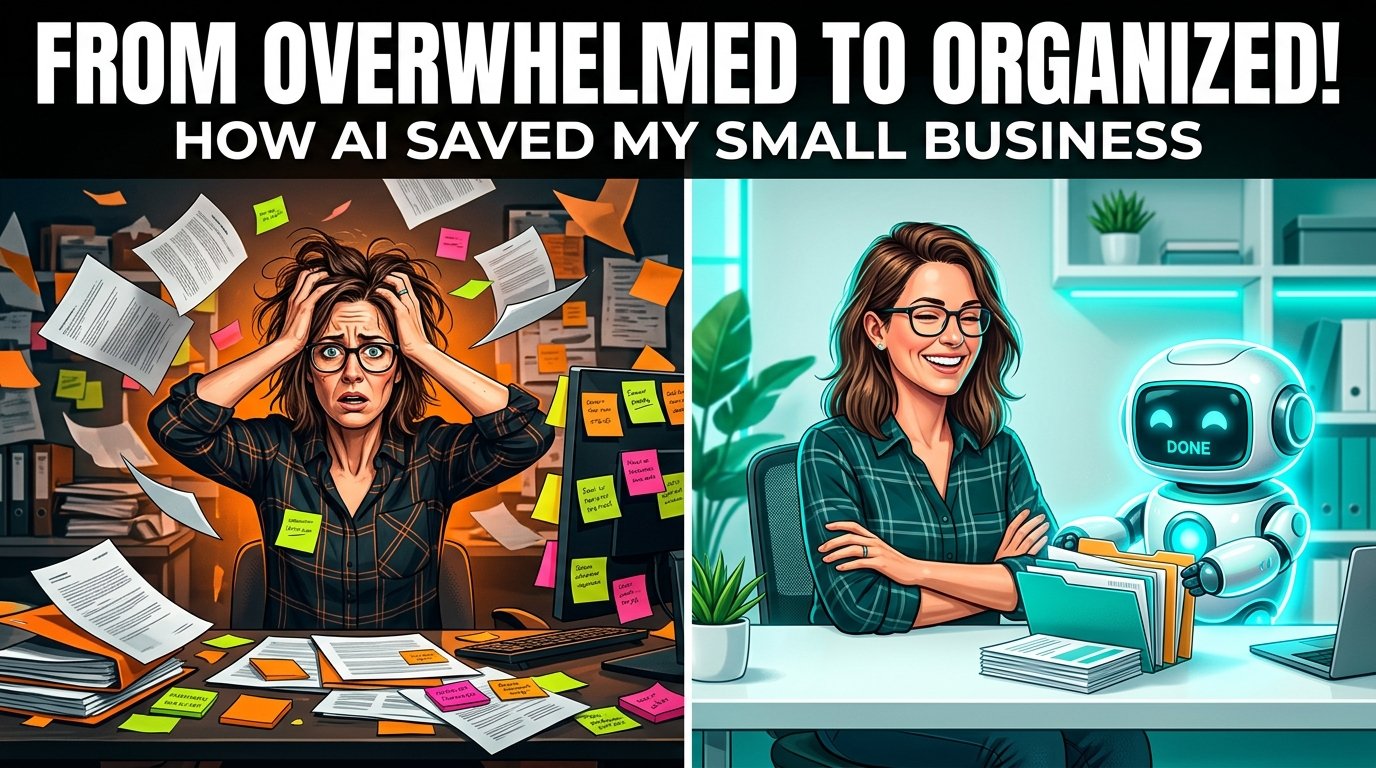
If you run a small business, you’ve probably heard the phrase AI agents more times in the last year than in the previous five combined. Some of that talk is hype. Most of it isn’t.
AI agents have quietly become one of the most practical technology upgrades available to small businesses. Why? Not because they’re flashy, but because they take over the repetitive, time-consuming tasks that eat into a founder’s week: answering the same customer questions, following up on leads, sorting invoices, drafting social posts, updating spreadsheets, and managing data entry.
This guide is written for people who don’t have an IT department. You’ll learn exactly what AI agents are, how to use AI agents for small business, how they differ from the chatbots you already know, which tasks they can realistically handle, which tools fit different budgets, and how to roll them out without creating new operational headaches. No hype, no jargon—just a practical roadmap.
What Are AI Agents?
An AI agent is software that can understand a goal stated in plain language, figure out the steps needed to reach it, and carry out those steps across your apps and tools—mostly without you supervising each individual action.
That’s a different job description than the AI tools most business owners started with. A basic AI writing assistant produces text when you ask for it. An AI agent goes further: it can check your inbox, decide which emails need a reply, draft the reply, update your CRM, and flag anything unusual for your review—as one connected sequence, not four separate prompts you have to run yourself.

Three properties define a true AI agent:
- Reasoning: It breaks a goal down into logical steps rather than following a rigid script.
- Tool Use: It can call on other software (email, calendars, spreadsheets, payment systems) to actually complete actions, not just talk about them.
- Autonomy Within Limits: It can complete multi-step tasks on its own within guardrails you set, asking for approval only when a decision is high-stakes or ambiguous.
This is the core idea behind AI workflow automation. Instead of automating a single step (like sending a text when a form is filled out), you’re automating an entire outcome (like qualifying a lead, notifying the right teammate, and scheduling a call).
Pro Tip: If a tool only responds to your prompts and never takes independent action in another app, it’s an AI assistant, not an AI agent. That distinction matters when you’re choosing software.
AI Agents vs. Traditional Chatbots
This is one of the most common points of confusion for business owners, and it’s worth clearing up before you spend money on either. Understanding AI agents vs chatbots comes down to operational capability.

A traditional chatbot follows decision trees or answers questions from a knowledge base. It’s strictly reactive: a customer asks something, the bot matches it to a canned response or a scripted flow, and the conversation ends. If the question falls outside its script, it stalls or hands off to a human.
An AI agent is proactive and goal-driven. It doesn’t just answer—it can look up an order status in your system, process a return according to your policy, update the customer record, and send a follow-up email, all triggered by a single customer message.
Quick Comparison: Chatbots vs. AI Agents
| Feature | Traditional Chatbot | AI Agent |
| Logic | Rule-based / scripted decision trees | Goal-based reasoning, adapts to context |
| Data Access | Limited to a fixed knowledge base | Queries live systems (CRM, inventory, calendars) |
| Action-Taking | Cannot complete tasks outside the chat window | Executes multi-step tasks across external apps |
| Handling New Scenarios | Breaks down or escalates immediately | Attempts a reasoned response, escalates when uncertain |
| Setup Complexity | Low — mostly scripting conversation flows | Moderate — requires tool connections and guardrails |
| Best For | Simple FAQs, basic lead capture | Support resolution, sales follow-up, back-office tasks |
Both have a place. If you only need a website widget that answers “What are your hours?”, a chatbot is cheaper and simpler. If you want something that can actually close the loop—resolve the ticket, update the record, notify the team—you’re looking at an AI agent. This distinction is vital when setting up AI agents for customer service, one of the fastest-growing use cases for small businesses.
Why Small Businesses Should Care
Large companies have had access to automation and data teams for years. What changed recently is that the exact same capability became available to a five-person business for the price of a few streaming subscriptions.
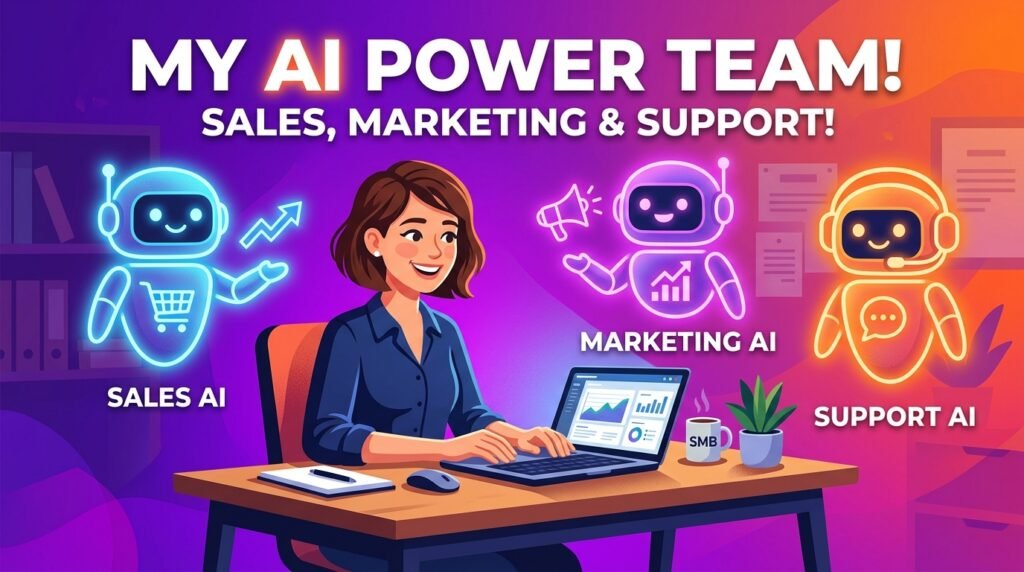
Here’s why AI business automation and AI workflow automation are leveling the playing field:
- Time Reclaimed: Small business owners routinely lose 10 to 15 hours a week to repetitive administrative work—data entry, scheduling, follow-up emails, and invoice chasing. An agent handling even half of that is the equivalent of hiring a part-time assistant to boost your overall AI productivity.
- Lower Cost of Scaling: You can grow order volume, support tickets, or lead flow without proportionally growing headcount. Output scales faster than payroll.
- Faster Response Times: Customers expect a reply within minutes, not days. An agent can respond to a support request or a lead form at 11 p.m. on a Saturday.
- Fewer Dropped Balls: Agents don’t forget to follow up, don’t lose track of a lead in a spreadsheet, and don’t skip steps because they’re tired at the end of a long day.
- A More Competitive Edge: Independent consultants and AI agents for startups mean two-person agencies can now offer response times and follow-through that used to require a full enterprise support team.
None of this means AI agents replace human judgment, relationships, or the parts of your business that depend on a personal touch. It means the mechanical parts of running a business—the parts nobody enjoys anyway—can be handled by software while you focus on what actually moves the needle.
Top Business Tasks AI Agents Can Automate
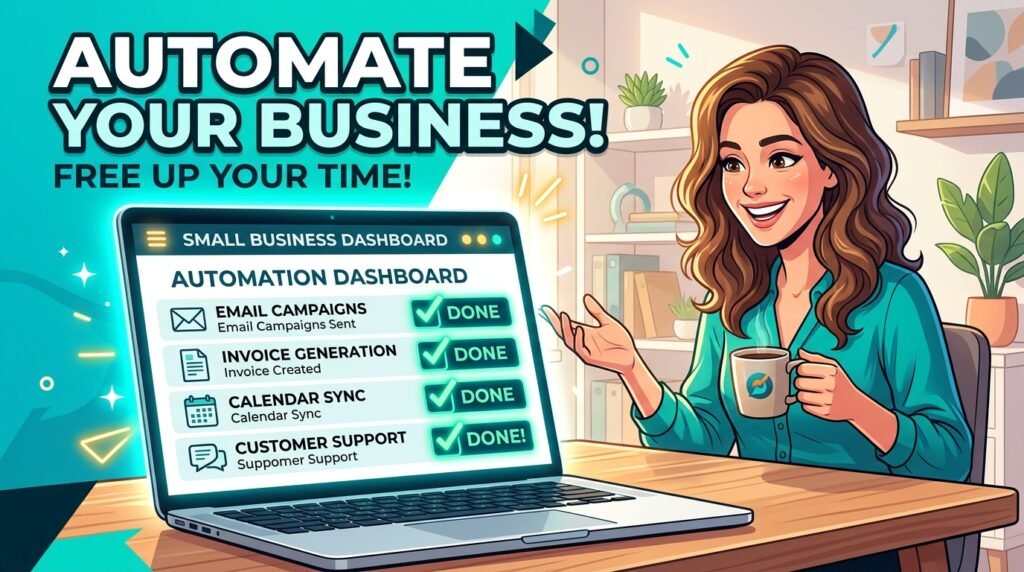
The best AI agents for entrepreneurs are those deployed on tasks that are repetitive, rule-governed, and don’t require deep personal judgment on every single instance.
- Customer Support: AI agents for customer service can resolve a massive share of routine tickets without a human ever touching them—answering FAQs, checking order status, processing standard returns, and escalating anything unusual to your team.
- Sales and Lead Management: Implementing AI agents for sales allows you to qualify inbound leads, enrich contact records with company data, send personalized follow-up sequences, and book meetings directly onto a rep’s calendar.
- Marketing Operations: Deployed as an AI business assistant, AI agents for marketing can draft social posts, repurpose a blog article into multiple formats, schedule content across platforms, and report on performance. This handles the heavy lifting of AI marketing automation.
- Email Management: AI email automation agents can triage an inbox, draft responses in your voice, flag priority messages, and file the rest, saving hours of screen time.
- Bookkeeping and Finance: AI agents for bookkeeping can categorize transactions, match receipts to expenses, flag anomalies, generate weekly cash-flow summaries, and even nudge clients about overdue invoices.
- Scheduling and Operations: Agents act as the ultimate AI tools for entrepreneurs, managing appointment booking, sending reminders, rescheduling around conflicts, and coordinating calendars across a small team without back-and-forth emails.
Best AI Agent Platforms
The market has matured significantly. Instead of one obvious winner, there are now clear categories of tools depending on your technical comfort level and budget.
Comparison: Top AI Automation Platforms
| Platform | Best For | Starting Price | Strengths | Limitations |
| Zapier Agents | Non-technical teams already using Zapier | ~$19.99/mo (Professional base) | Largest app ecosystem (9,000+ apps), easiest learning curve | Task-based pricing gets expensive fast at higher volumes |
| Make | Budget-conscious teams needing visual workflows | ~$9–$10.59/mo | Strong visual builder, much cheaper than Zapier at equivalent volume | AI agent builder features are still actively maturing |
| n8n | Technical teams needing deep AI agent control | ~$20/mo (Cloud); Free if self-hosted | Native LangChain integration, persistent memory, extreme cost efficiency | Steepest learning curve; self-hosting requires setup and maintenance time |
| Lindy AI | Businesses wanting plain-English agent building | From ~$49.99/mo | Built explicitly for non-developers; strong at sales & support | Less suited to complex, highly custom engineering workflows |
| Microsoft Copilot Studio | Businesses already using Microsoft 365 | Included in some 365 plans / usage add-ons | Deep integration with SharePoint, Teams, and Dynamics | Only truly valuable if you are fully inside the Microsoft ecosystem |
| Intercom Fin | E-commerce and SaaS support teams | Per-resolution pricing | High autonomous ticket resolution rate, excellent analytics | Per-resolution costs can add up quickly; requires a strong help center |
| Salesforce Agentforce | Businesses already running Salesforce CRM | Add-on pricing structure | Deep CRM-native agent actions; powerful sales pipelines | Overkill and cost-prohibitive if you aren’t already a Salesforce customer |
| Dify | Developers prototyping custom open-source agents | Free (self-hosted); paid cloud tiers | Full flexibility, no vendor lock-in, excellent for custom builds | Requires technical setup and server management |
| Claude | Content, research, and document workflows | Free tier; Pro from $20/mo | Unmatched reasoning capabilities, fast setup, pairs beautifully with Make/Zapier | Needs to be connected to an automation layer to act as a full “agent” |
How to Choose the Right Tool
- If you want the easiest possible setup and already use common apps, start with Zapier Agents or Lindy AI.
- If cost efficiency at scale matters and you don’t mind a moderate learning curve, Make offers the best balance for affordable AI tools for small business.
- If you have technical skills or want absolute data privacy through self-hosting, n8n is the strongest choice.
Billing Alert: Don’t evaluate pricing by the advertised monthly fee alone. Zapier and similar platforms charge per task (each individual action in a workflow). A workflow with five steps that runs 1,000 times a month can burn through a “starter” plan in days. Model out your workflow steps before you pull out a credit card.
Step-by-Step Guide to Implementing AI Agents
Here’s how to go from “curious about AI” to “running an agent safely” without wasting money on a tool you’ll abandon in a month.
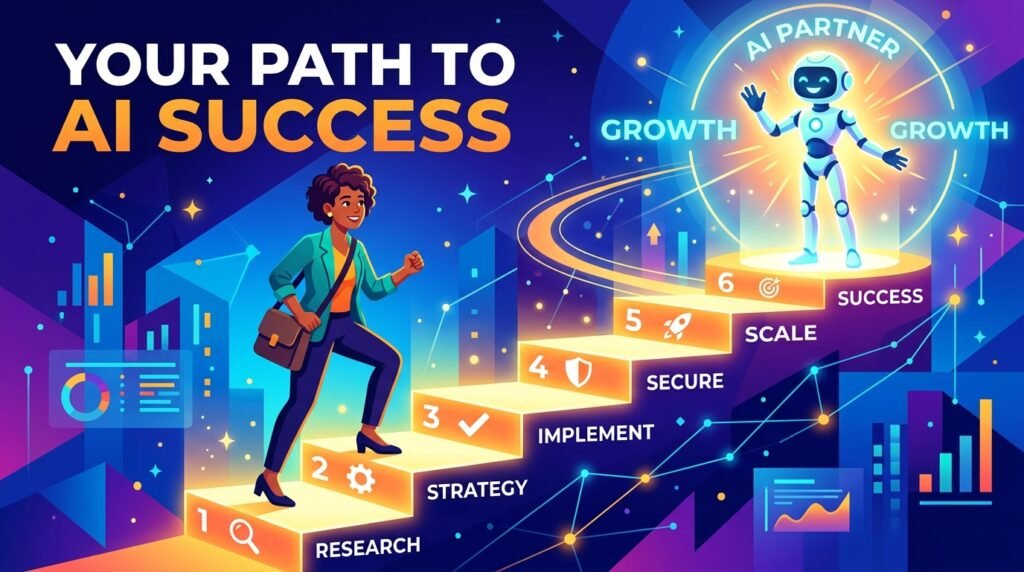
- Pick One Painful, Repetitive Task: Don’t try to automate your whole business at once. Choose a single task that is repetitive, time-consuming, and low-risk if something goes slightly wrong (e.g., inbox triage or FAQ support).
- Map the Current Process: Write down, in plain steps, exactly how a human currently does this task. This becomes the prompt and logic blueprint for the agent. If a human can’t describe the process clearly, an agent can’t execute it.
- Choose Your Platform: Match the tool to your technical comfort level and budget using our comparison table above. Take advantage of free trials first.
- Connect Your Data Sources: Grant access only to the specific tools the task requires—your email, CRM, or calendar. Avoid granting broad, unnecessary administrative access.
- Set Clear Guardrails: Decide upfront what the agent can do autonomously and what needs human approval. Rule of thumb: An agent can draft a refund, but a human must click “Approve” for anything over $50.
- Test in a Sandbox: Run the agent on a small batch of real, past cases before turning it loose on live customers. Review the output line by line.
- Launch and Monitor Daily: Turn the workflow live, but check the execution logs daily for the first two weeks. Most logical errors show up early and are easy to tweak.
- Review and Refine Monthly: Business processes change. Revisit your agent’s performance monthly, update its knowledge base, and retire steps that aren’t earning their keep.
Common Mistakes to Avoid
Even well-intentioned rollouts go wrong in predictable ways. Avoid these pitfalls to protect your time and capital:

- Automating a Broken Process: If your current manual workflow is inconsistent, handing it to an AI agent won’t fix it—it will just execute the chaos faster.
- Too Much Autonomy, Too Soon: Letting a new agent issue refunds, send unreviewed client emails, or modify financial records without human checkpoints is a recipe for operational disaster. Start with high friction (mandatory review gates) and loosen them only when the agent proves its accuracy.
- Ignoring Task-Based Pricing Math: Platforms that bill by the individual action can rack up huge overage fees quickly if you run high-volume, multi-step loops.
- Treating Launch Day as the Finish Line: Agents drift out of alignment as your products, pricing, and internal policies change. Without monthly audits, an agent will confidently give customers outdated data.
Data Privacy and Security Considerations
Because AI agents require access to sensitive systems like email, client databases, and payment gateways, security cannot be an afterthought.

- Principle of Least Privilege: If an agent only needs to read calendar availability, do not give it permission to send emails or modify contacts on your behalf.
- Know Where Data Lives: Cloud-hosted platforms process data on vendor servers. If you are in a highly regulated industry like healthcare or finance, self-hosted options like n8n or Dify keep data completely within your own cloud infrastructure, ensuring compliance with HIPAA, GDPR, or local privacy laws.
- Check Data Training Policies: Read the vendor’s Data Processing Agreement (DPA). Ensure your proprietary customer interactions are not being used to train public foundation models by default.
- Keep an Audit Trail: Ensure the platform you choose logs exactly what the agent did, what data it read, and when it executed, so you can easily trace back errors.
AI Workflow Examples: Realistic Use Cases
Here is what these systems look like in practice for different types of small businesses—without the sci-fi exaggeration.
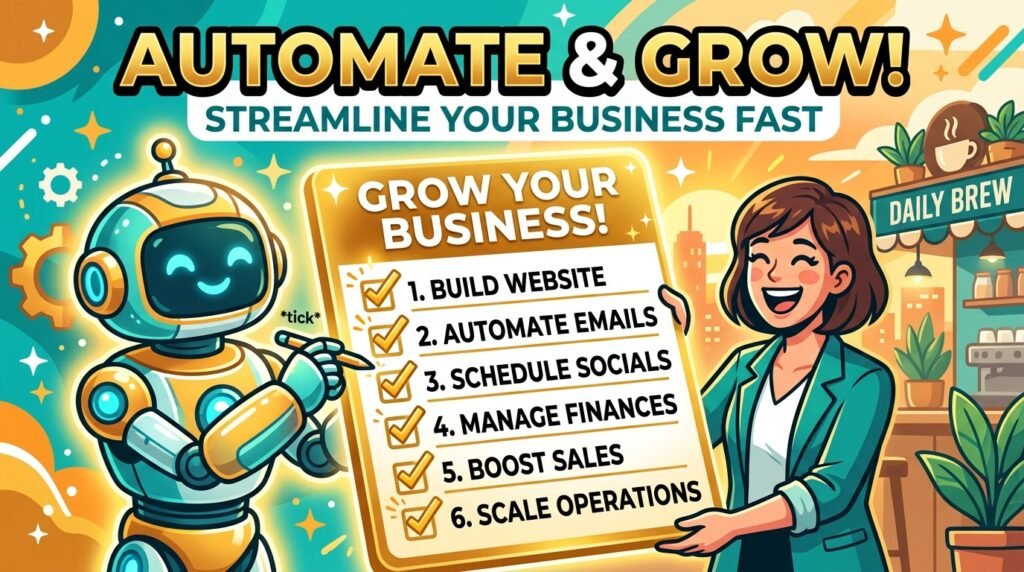
E-Commerce Store (5–10 Employees)
A Shopify store owner connects an AI agent to their support email and help desk. The agent resolves 60% of routine “Where is my order?” tickets and basic return requests autonomously. If a customer uploads a photo of a damaged item or uses frustrated language, the agent instantly tags it and routes it to the business owner.
- Result: The owner avoids hiring extra seasonal customer service staff during peak Q4 sales.
Solo Consultant or Freelancer
A busy consultant sets up an inbox triage agent using Lindy AI. The agent reads incoming messages, categorizes them by project, drafts contextual replies based on past client answers, and sends a scheduling link if a new lead wants to book a discovery call.
- Result: The consultant reclaims roughly 5 hours every single week that used to be lost to email ping-pong.
Local Service Business (Plumbing, HVAC, Cleaning)
A local HVAC company deploys a text-based AI agent connected to their Google Business Profile and SMS number. When a homeowner texts at 9 p.m. about an emergency repair, the agent queries the live field-service software, checks technician availability, quotes the standard diagnostic fee, and books the slot.
- Result: Zero missed leads from after-hours calls, without paying for an expensive 24/7 answering service.
Future Trends in AI Automation
What should you look out for as you plan your tech stack for the coming years?

- Multi-Agent Ecosystems: Instead of one massive agent doing everything, businesses are deploying networks of specialized, smaller agents—one for sales qualification, one for bookkeeping data entry, and one for fulfillment—that seamlessly hand off tasks to one another.
- Native Software Embedding: Tools like QuickBooks, Shopify, and HubSpot are rapidly building agentic capabilities directly into their own software, reducing the long-term need for complex third-party connectors.
- Voice and Phone Maturity: AI voice agents capable of handling real-time phone support and complex scheduling calls are becoming affordable and reliable enough for local service companies, not just enterprise call centers.
Frequently Asked Questions
What exactly is an AI agent for small business?
It’s software that can understand a goal described in plain human language, decide on the logical steps required to complete it, and interact with your existing business apps (like email, CRM, and accounting software) to execute those steps with minimal manual oversight.
How do I use AI agents for small business if I have no technical background?
Start with user-friendly, no-code platforms like Zapier Agents or Lindy AI. Choose a pre-built template for a common task—like email sorting or lead tracking—and follow the visual step-by-step setup guides rather than building workflows from scratch.
What are the best AI agents for entrepreneurs on a tight budget?
Make offers incredible value, starting at around $9–$10.59 per month for 10,000 operations. If you have some technical comfort, self-hosting n8n on a small virtual private server ($5–$6/month) gives you unlimited execution capacity with zero software license fees.
Can AI agents fully replace a customer support team?
No. They are highly effective at filtering and resolving high-volume, repetitive questions (like tracking packages or looking up booking times). However, complex edge cases, sensitive customer complaints, and high-value accounts will always require human empathy and problem-solving skills.
How long does it take to set up my first AI agent?
A straightforward, single-app workflow (like auto-drafting responses to common FAQs) can be configured and running on a no-code platform within a single afternoon. Complex, multi-system automations that touch sensitive customer CRM or payment data usually require one to two weeks of iterative building and testing.
Conclusion and Next Steps
AI agents aren’t a magic wand, and anyone promising total hands-off automation of your entire company is overselling the technology. What they are is a highly effective leverage tool for small businesses to save time, react faster to leads, and scale up operations without a massive jump in headcount expenses.
Don’t try to transform your company overnight. Pick one single bottleneck in your week, select a tool that matches your current comfort level, set tight guardrails, and start building.
Turn your most tedious task over to software so you can get back to the work that actually requires your unique human insight.

